![explori_logo (1).png]](https://kb.explori.com/hs-fs/hubfs/Explori%20logos/explori_logo%20(1).png?height=40&name=explori_logo%20(1).png)
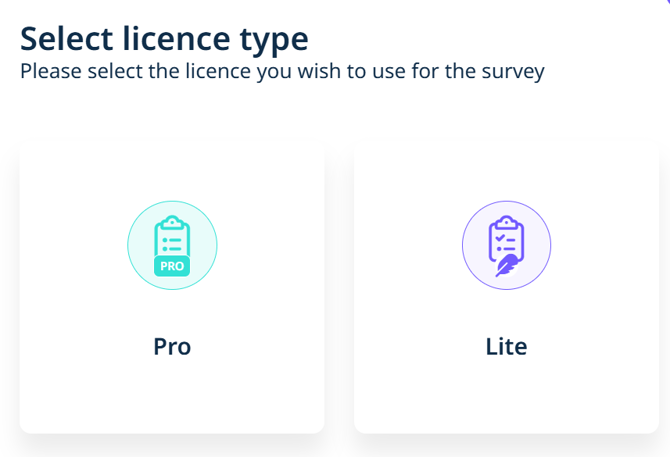
Explori Lite is a simple-to-use product that provides unified data, consistent metrics and benchmarks. Using pre-built templates and simplified reporting, Explori Lite is ideal for smaller events in providing bigger insights.
While the licence gives you access to use Explori features, there are some limitations to the licence which makes it ideal for smaller events.
Tip: If you are unsure of which licence you should be using, please contact your Explori Account Manager.
Differences between Explori Lite and the Pro Licence
-
Surveys can only be sent out via campaign link or QR Code
-
The surveys are pre-agreed templates with the option of adding up to 3 custom questions
- Surveys can only be sent out in one language
- The surveys allow up to 500 responses
- Reporting capabilities are reduced with no access to cross tabs or advanced filters
Below is a full breakdown of what is available for each licence:
| Explori Lite | Explori Pro | |
| Building surveys: | ||
| Create surveys from scratch | X | ✔ |
| Copy a survey | X | ✔ |
| Copy a template | ✔ | ✔ |
| Unlimited custom questions | X | ✔ |
| Unlimited use of Explori and Company question library | ✔ | ✔ |
| Option to add translations | X | ✔ |
| Survey styling | ✔ | ✔ |
| Distribution: | ||
| Importing custom registration data | X | ✔ |
| Onsite distribution | X | ✔ |
| Email distribution | X | ✔ |
| Campaign link / QR Code | ✔ | ✔ |
| Unlimited survey responses | X | ✔ |
| Analysis and reporting: | ||
| Quick filters | ✔ | ✔ |
| Advanced filters | X | ✔ |
| All export formats and advanced export options | ✔ | ✔ |
| Explori's AI open-text categorisation tool | ✔ | ✔ |
| AI Report summaries | X | ✔ |
| Cross tabs | X | ✔ |
| 36 month benchmarks | ✔ | ✔ |
| Long-term benchmarks | X | ✔ |
| Dashboards | ✔ | ✔ |
How the Explori Lite Process works
Your Explori Account Manager will work with you to create a standardised template for your surveys. This will include building in any necessary logic and survey styling. Once the template has been build, the steps are simple:
- Select 'Explori Lite' when creating a new survey. You will be prompted to enter the survey details as normal.
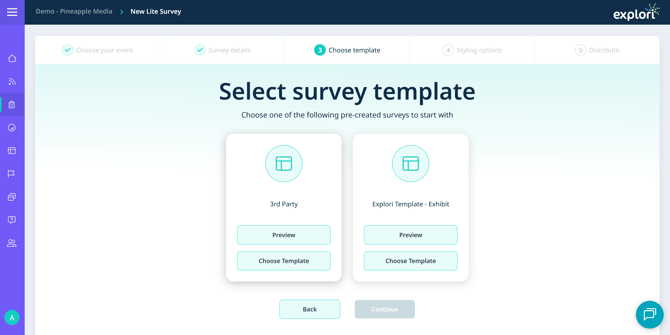
- Select the correct template in the survey builder. You can preview the templates if you're not sure which one to use.
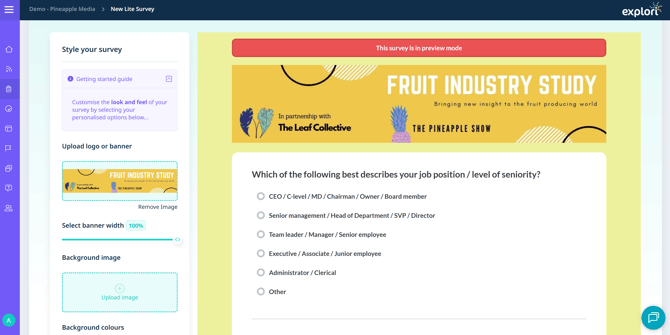
- You can edit the styling of the survey from here.
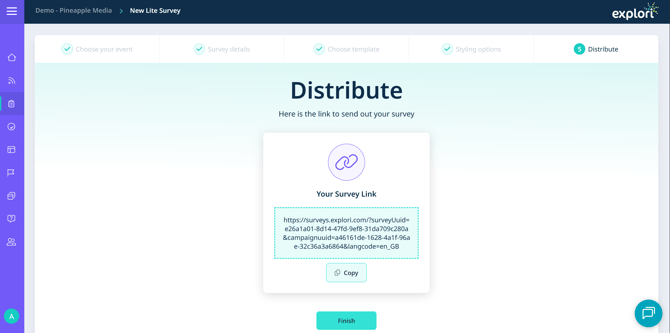
- Once you have moved on to the final step, you will be provided with the campaign link to distribute your survey.
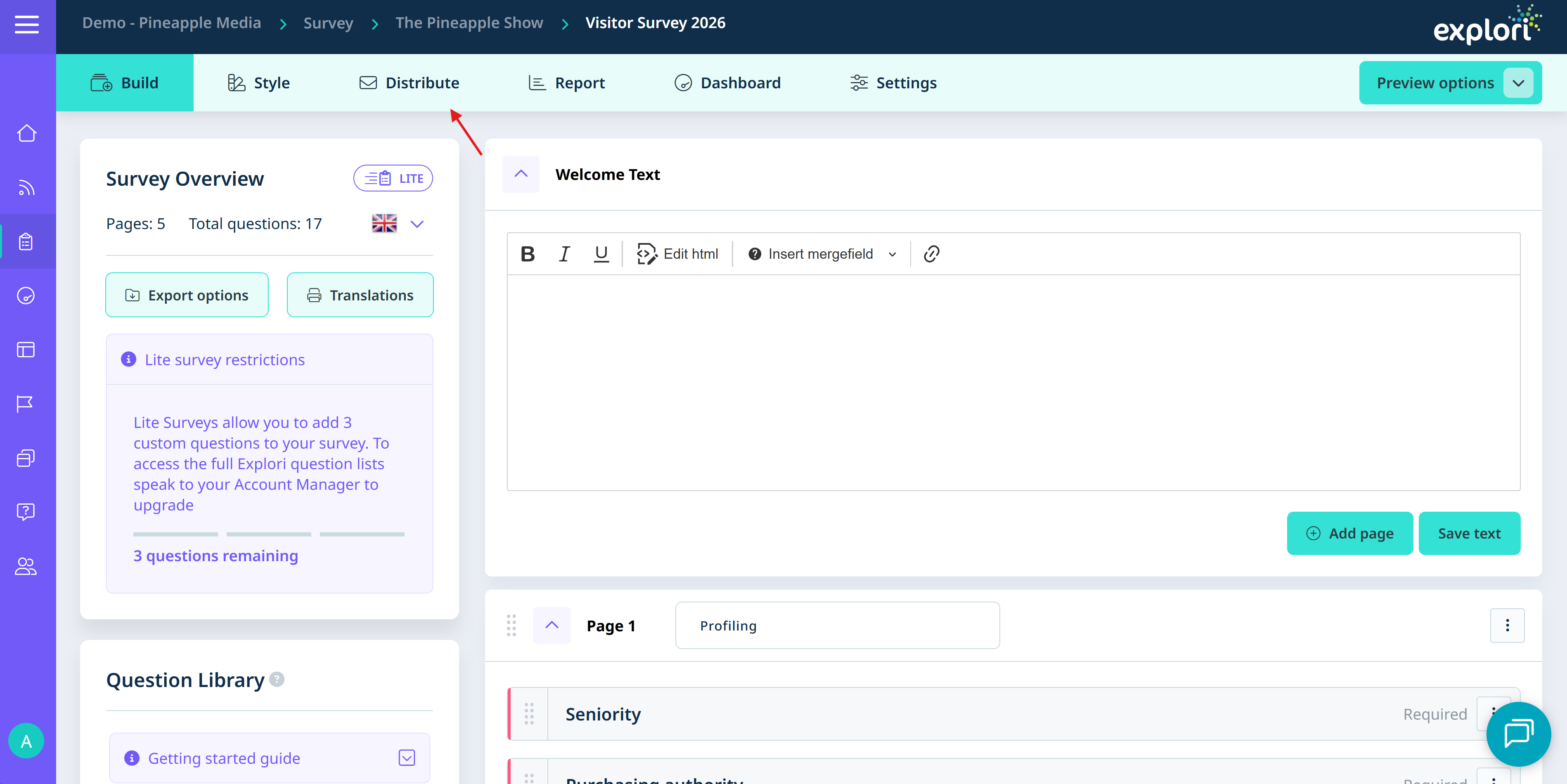
- If you would like to make use of your 3 custom questions, select 'Finish' which will take you to the survey builder to make your small edits. You can also preview your survey from here.
- Once you're happy, head back to the distribute tab to send out your survey via campaign link or to generate a QR code.
For any further information on Explori Lite, please reach out to your Explori Account Manager.